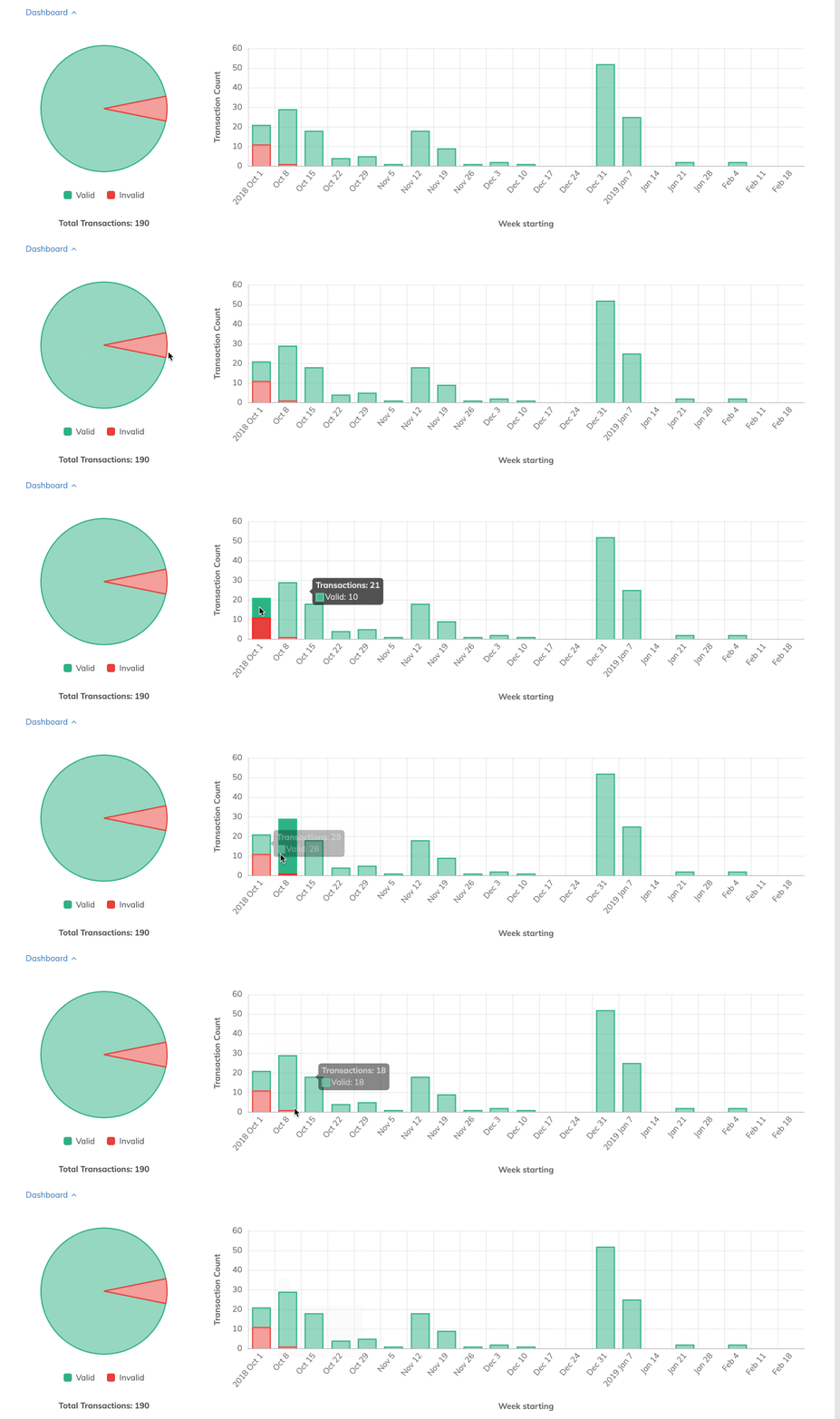
While the transaction list view in the Orderful UI is a great place to see all your transactions at a glance sometimes some graphical sizzle makes it even easier to know your EDI transactions are flowing correctly. Say no more and prepare to meet our new dashboard.

Overview

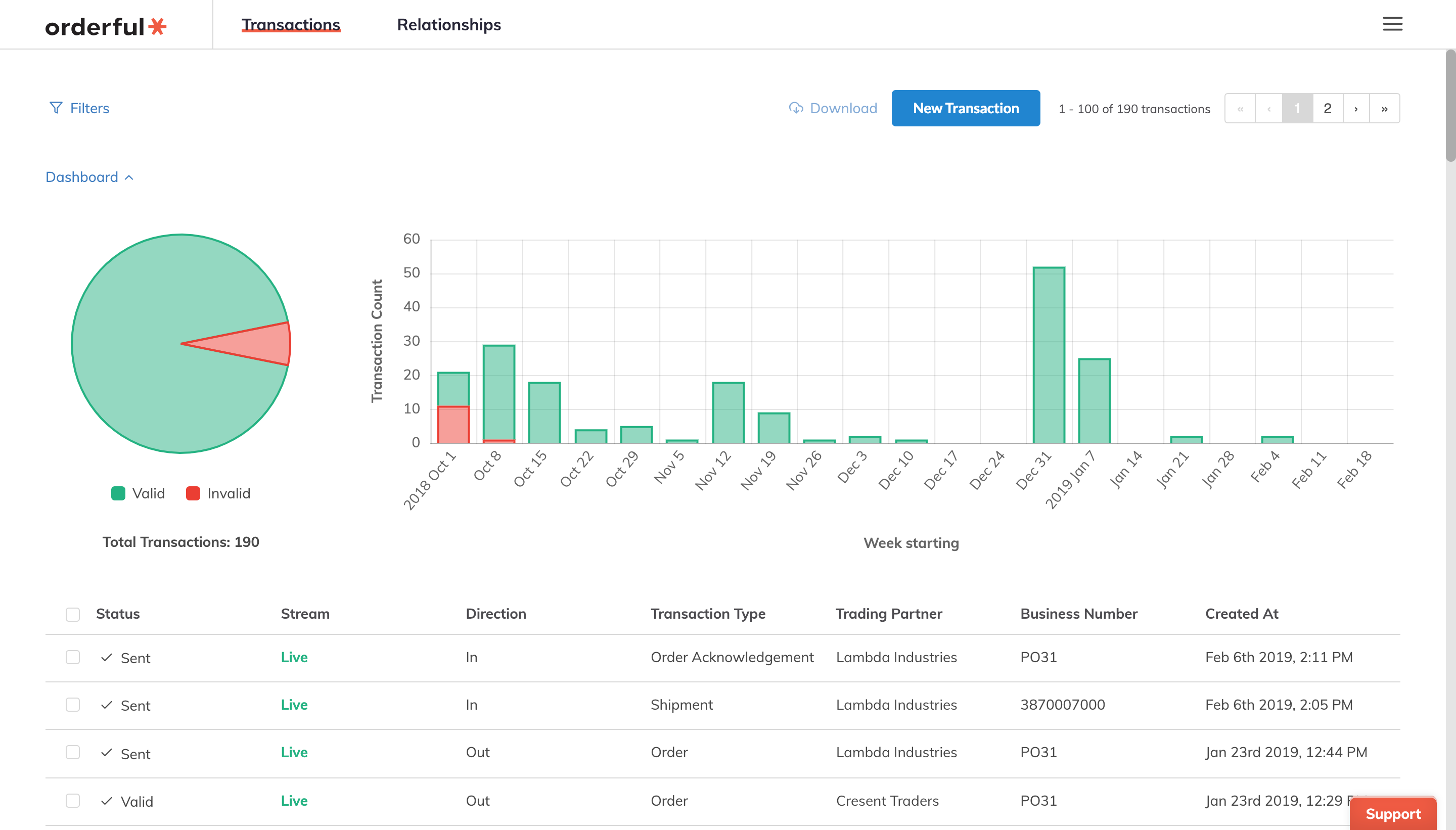
The dashboard is a collapsible set of graphs that show easily digestible views of your transaction status and historical distribution at a glance.

2880

Filtering

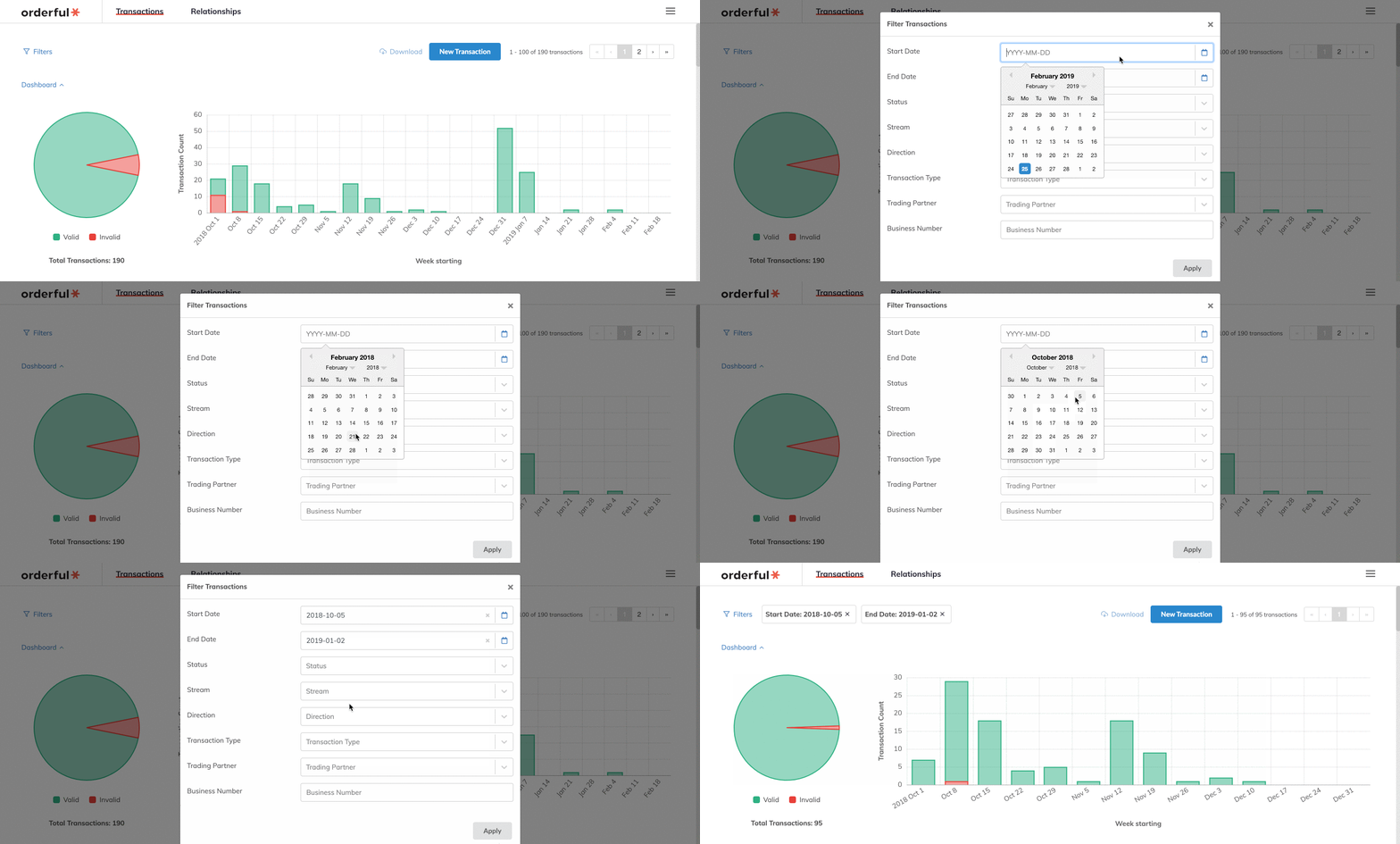
The dashboard responds to the same filters as the previous list view. For convenience we've added granular date filters.

1437

Contextual Information

Hover your cursor over various parts of the graphs for details

1438

No changes are needed on your part. Chat with an EDI expert to learn more!

Changelog

  • added: Dashboard

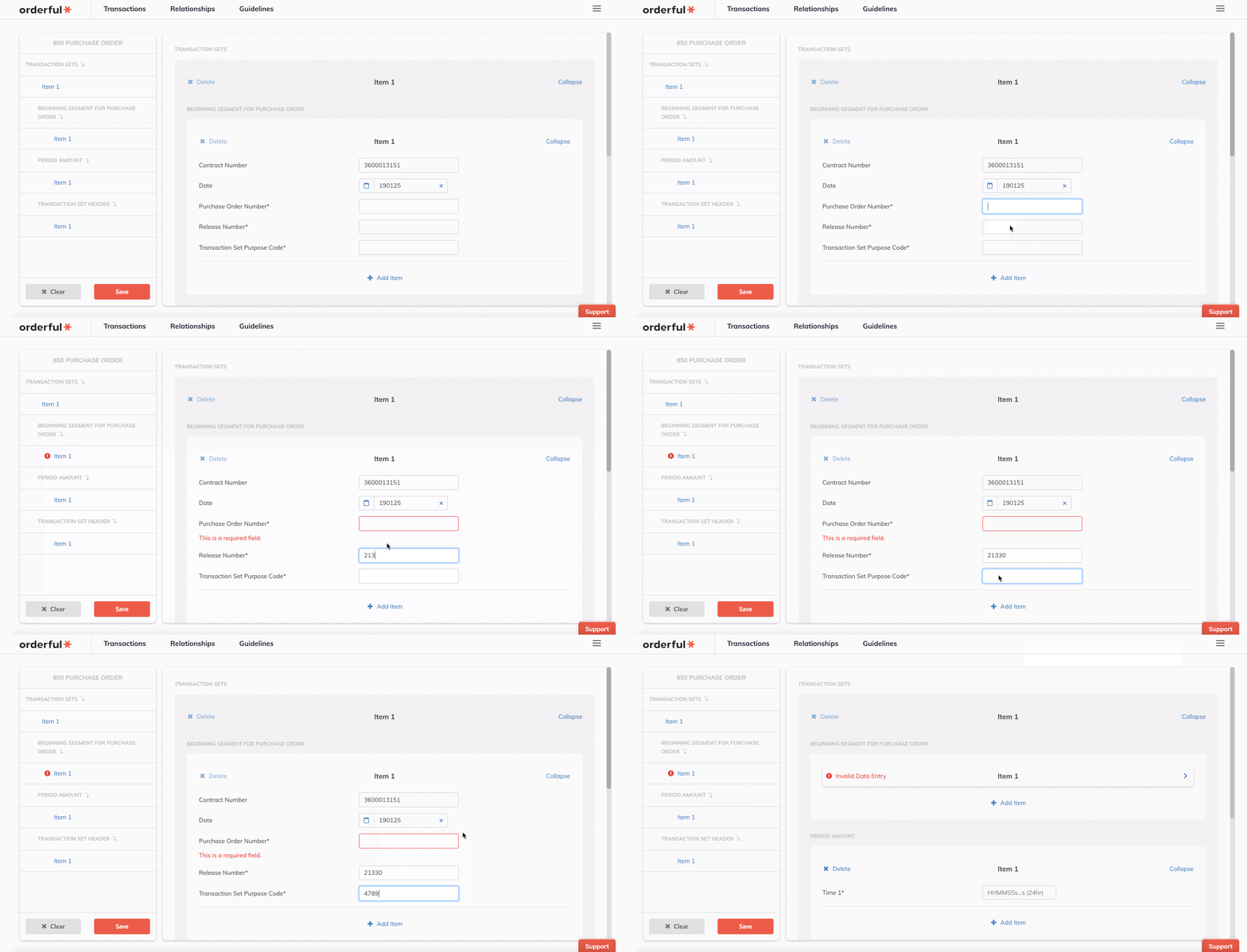
We're proud to announce the launch of our new web form feature. Now you can create a new transaction directly in the UI. Whether you want to use it to try out Orderful before you integrate your ERP or you just prefer to key all your transactions by hand, web forms are ready for you.

Forms are based off Orderful transaction types so they're available for any current and future transaction types. Also they're built against your trading partners' guidelines so you'll always be able to enter exactly what you need.

Overview

To start, go the the transaction list and click 'New Transaction'.

1438

Then simply fill out the form and your transaction will be created.

1438

Create an account here and try it today!

Changelog

  • added: Web form creation UI for all transaction types

Money isn't everything but it's important. It's worth making sure it's right. So we're introducing the first of a series of decimal/currency based functions to help format currency values.

FIXED

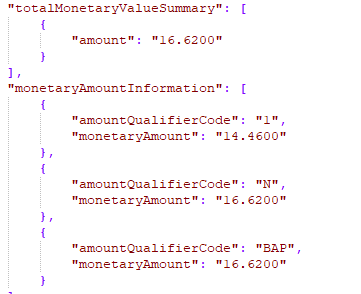
Sometimes your integrated system may produce currency values that look more like decimals like this

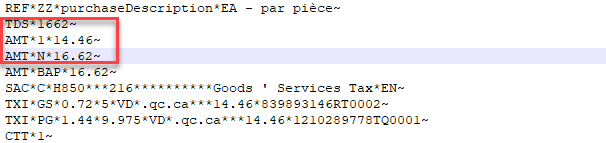
However your trading partner expects currency values in the resulting X12 transaction that look like this

Worry no more with the addition of our new FIXED() functions. Read the documentation for more

Changelog

  • added: FIXED function

New year, new documents to trade. Today we're happy to launch support for the following new transaction types:

  • 180 Return Merchandise Authorization and Notification
  • 290 Cooperative Advertising Agreements
  • 816 Organizational Relationships
  • 832 Price/Sales Catalog
  • 846 Inventory Inquiry/Advice
  • 877 Manufacturer Coupon Family Code Structure
  • 881 Manufacturer Coupon Redemption Detail
  • 885 Retail Account Characteristics
  • 887 Coupon Notification
  • 888 Item Maintenance

Changelog

  • added: 10 new transaction types

Turn around rules

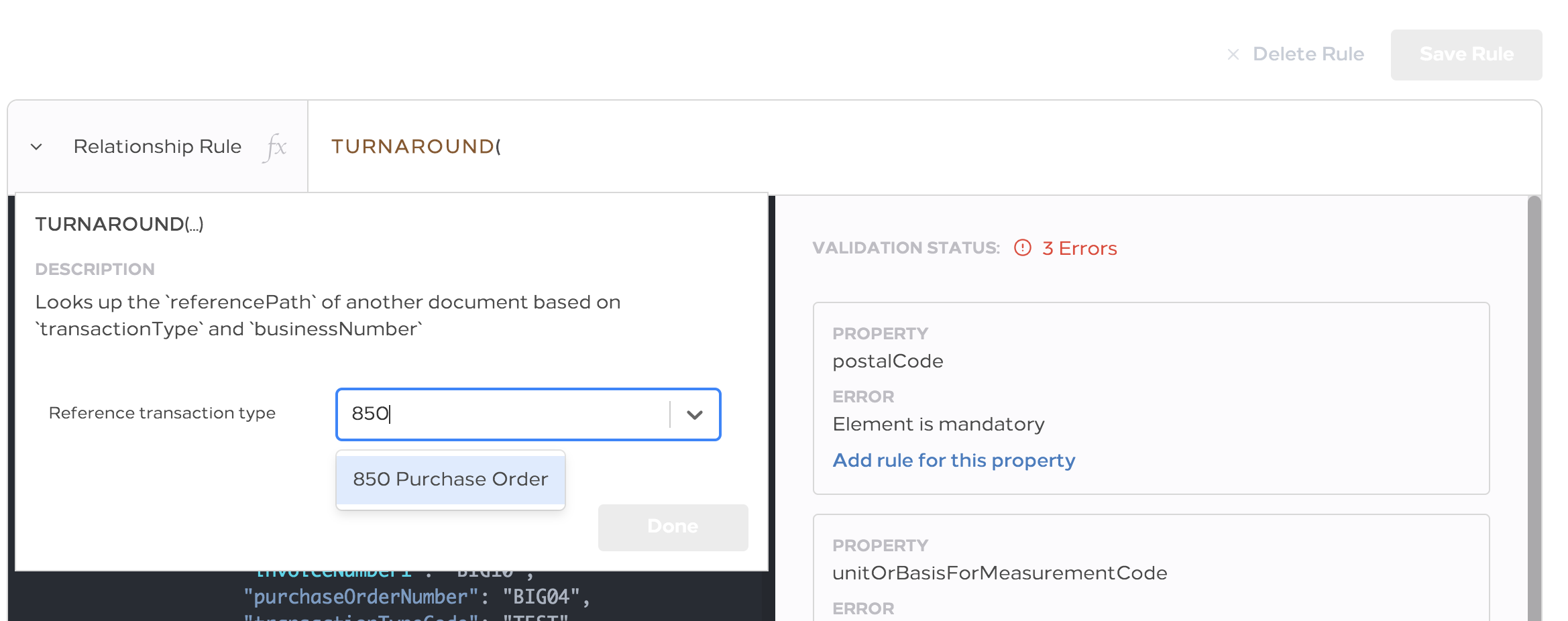
When entering EDI data into your system of record (ERP, TMS etc) sometimes there's not a place for all data in a transaction. This might be fine for your use but sometimes your trading partner is expecting that data back as part of a different transaction. For example they send you an Order with a certain identifier on the items that doesn't mean much to you but they want it back when you send the invoice. Instead of making costly ERP customizations a turn around rule can help!

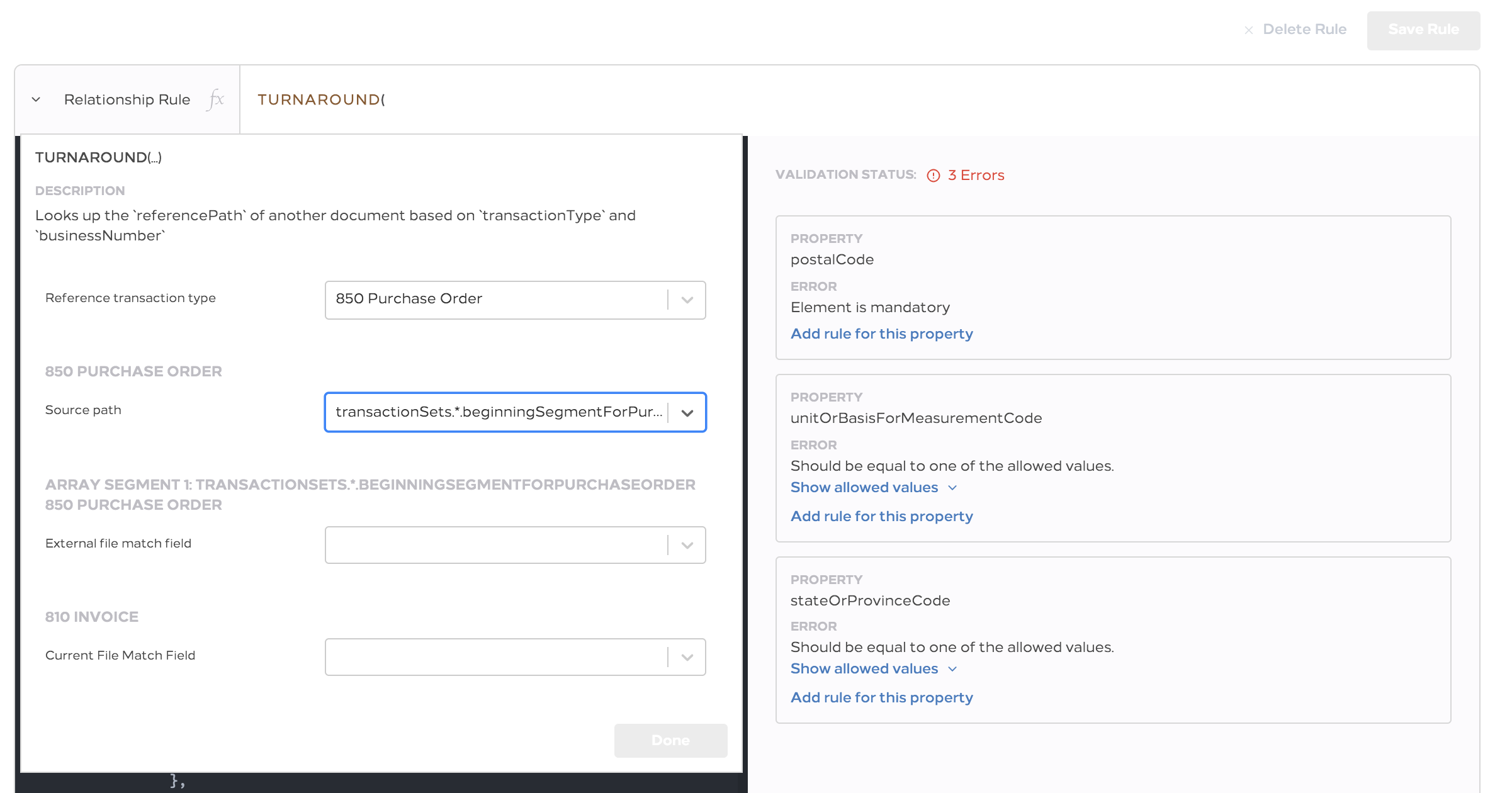
By allowing you to select data from a previous transaction turn around rules can help you give your trading partners exactly what they want without modifying your system.

2338

You select the other type of transaction you want to pull data from.

2402

Then tell the rules engine how to find the exact transaction of that type and what value(s) to select.

For more details check our documentation.

Selected path display above the expression editor

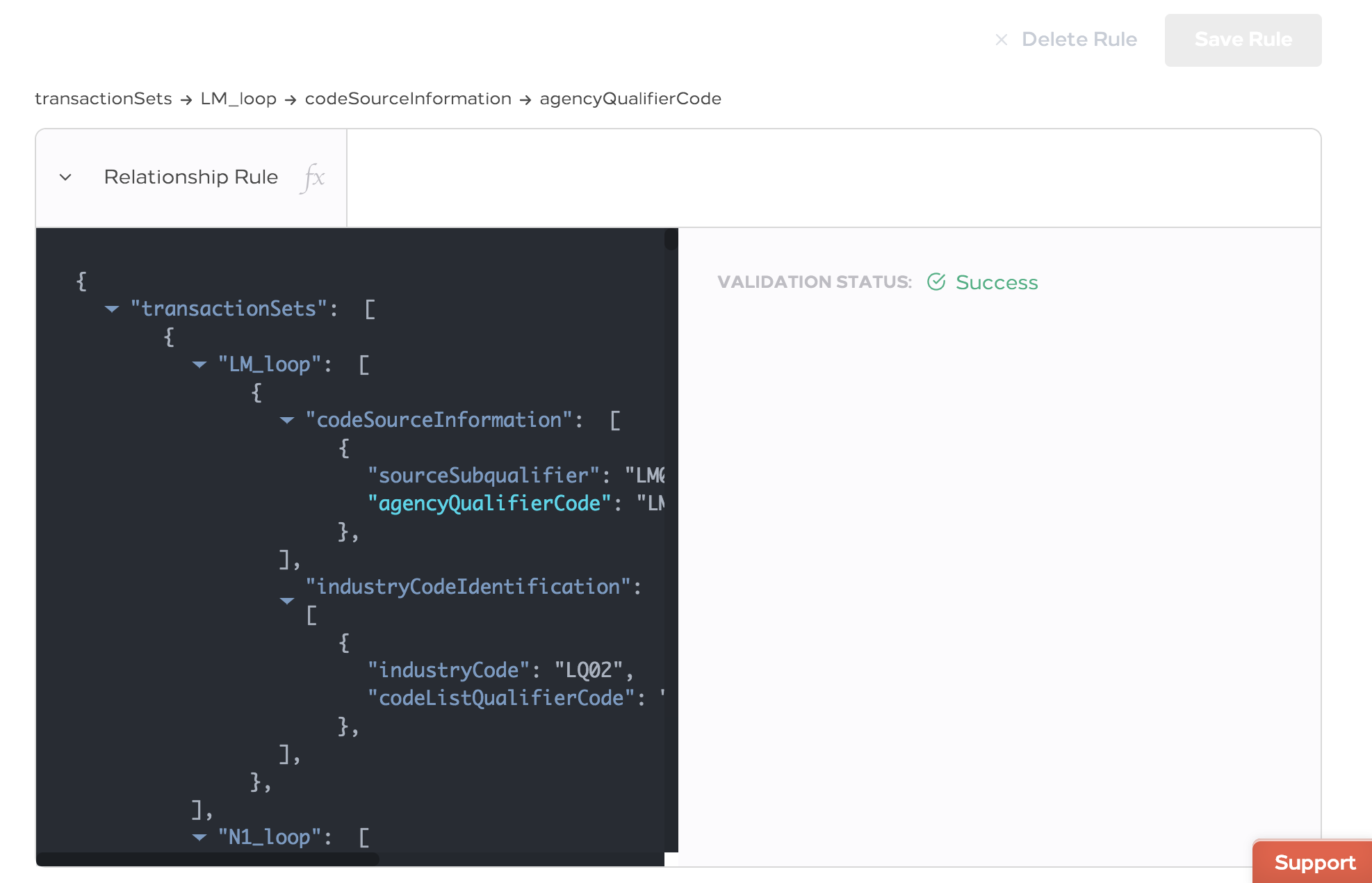
Do you ever go to enter a rule and then scroll away from the field you're editing? It's okay, we all do. Now the path will be displayed above the expression editor for reference

1974

Changelog

  • added: Turn around rule support
  • added: Display selected path above function editor
  • fixed: Loop guideline validation errors causes transaction view to crash

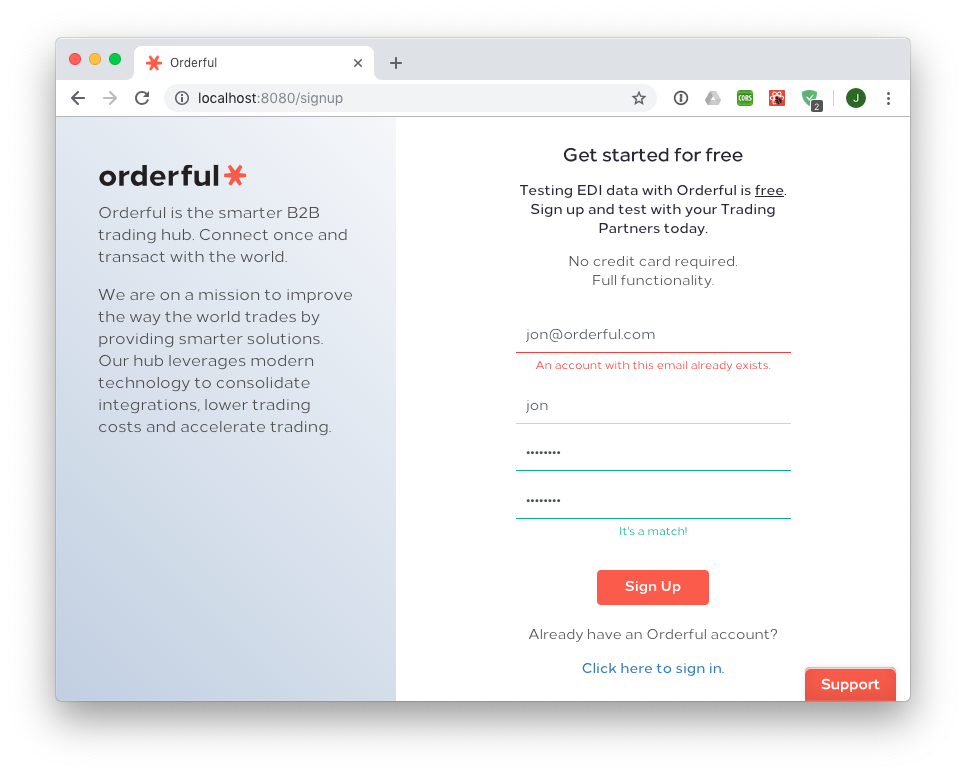
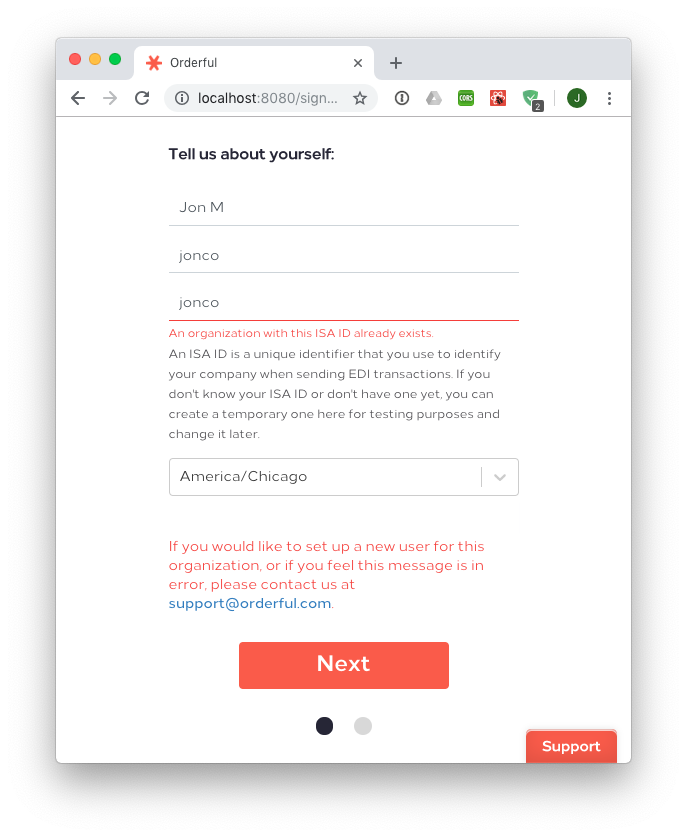
Having trouble signing up for the world's best EDI provider? No worries, we've got you covered. We've added more obvious and descriptive errors when you try to sign-up with a username or organization that's already been used.

966 687

Changelog

  • added: Validation error messages on username/email and ISA ID fields

Changelog

  • fixed: Upon creating a rule sometimes the status and transaction diff were out of sync
  • added: Expressions to guidelines

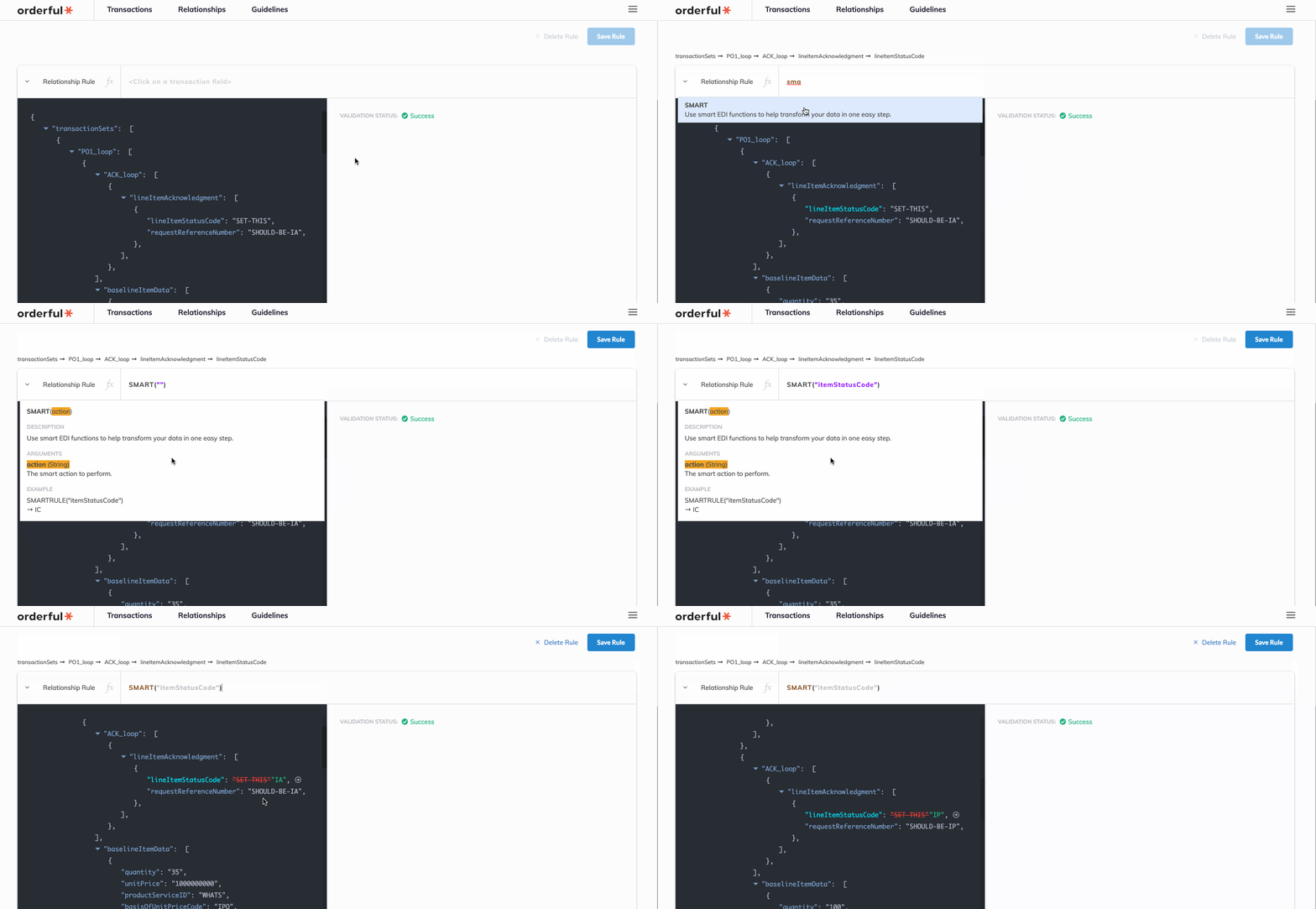
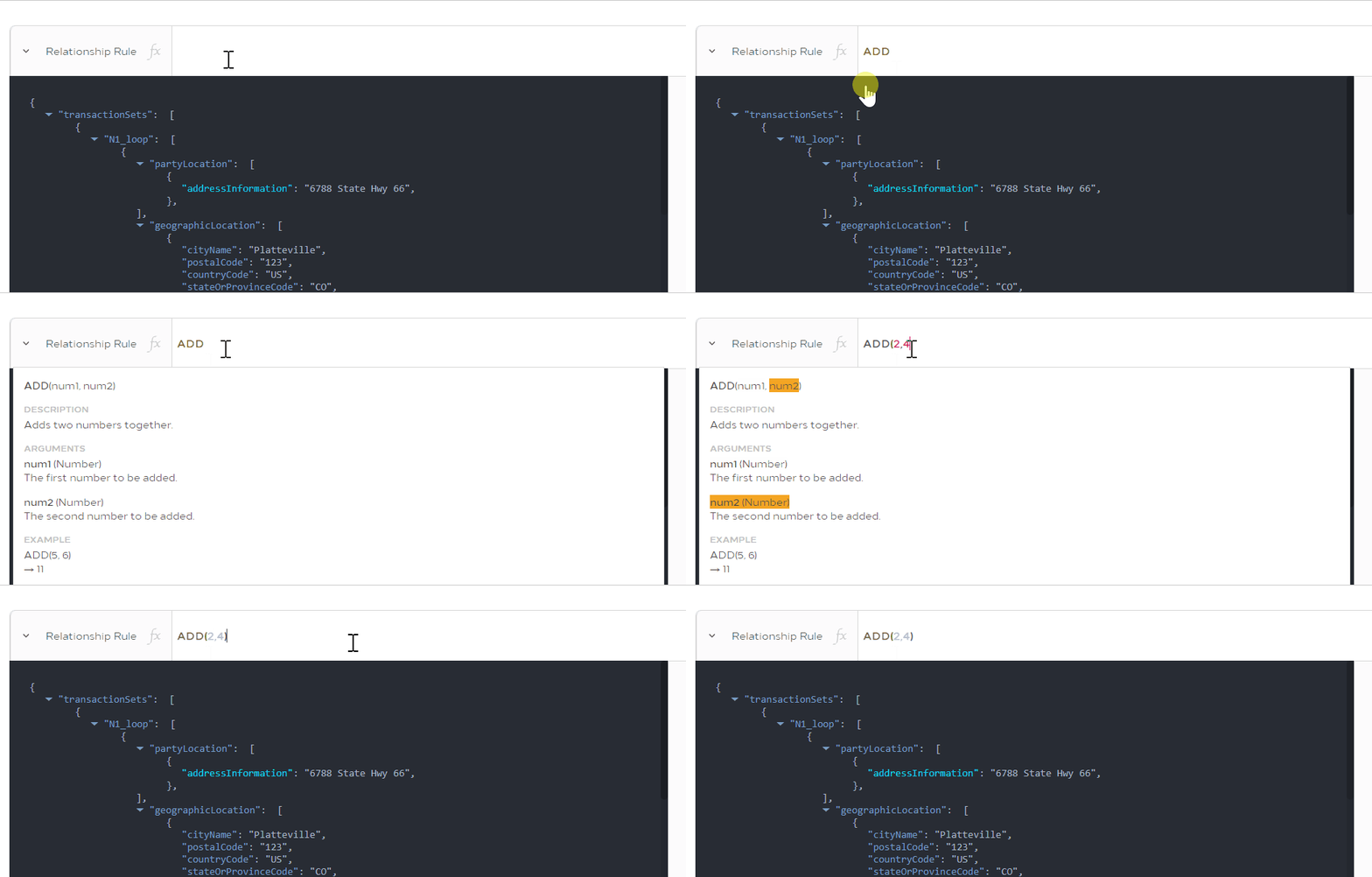
To make rule creation easier we've added more contextual highlighting. Now as you enter arguments to a function we'll highlight the argument in the function description display.

948

Sometimes it's good to be explicit, especially when deleting rules. No longer do you have to erase the rule and save. We've made it more clear and saved you a click.

333

We thought the function bar looked a little bland so we added a funky math word for function f(x) and also made it more clear whether you were creating a document rule or relationship rule

926

Changelog

  • added: Function argument highlighting
  • added: Delete button
  • improved: Function bar
  • fixed: A few typos

Welcome the newest transaction type 834 Benefit Enrollment and Maintenance to the family.

View the detailed description in the documentation or start trading with it today using the transaction type id 834_BENEFIT_ENROLLMENT_AND_MAINTENANCE

1522

Changelog

  • added: 834 transaction type

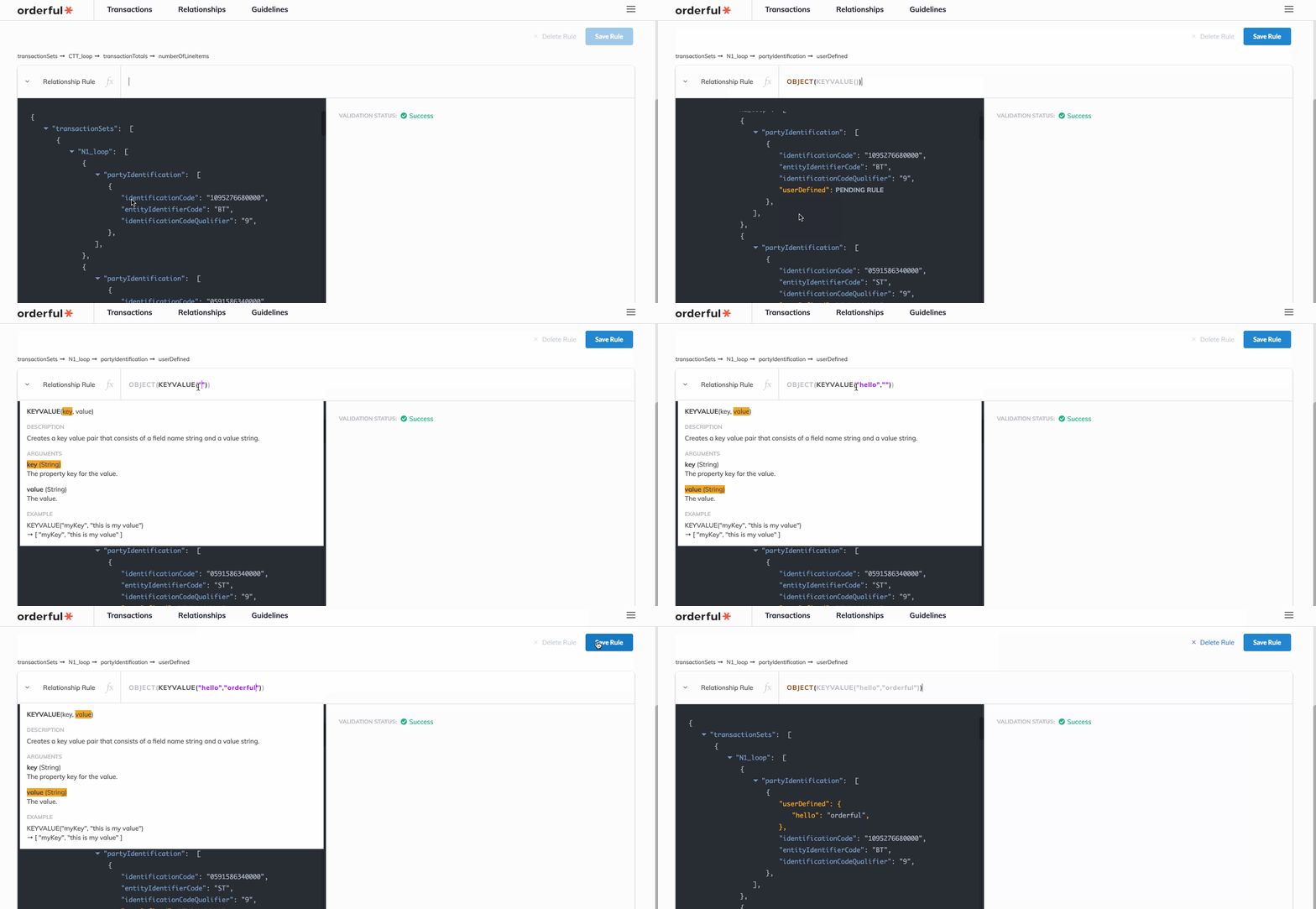
Creating rules just got easier with two new exciting features

Highlighting

2451

Writing rules can get complicated and sometimes it's easy to lose track of what property you have selected, what level of nesting you're at etc. So we've added some fancy syntax highlighting to help differentiate functions, references and values. As well we shorten long paths only to the relevant element name.

Examples & Descriptions

1224

Once you're inside the rule and using functions we want to keep it simple so we've added examples and descriptions to our functions to let you know what to expect from each one.

Changelog

  • added: Syntax highlighting in rules entry
  • added: Function descriptions
  • added: Function examples